
Image Sharpening



Requires a Wolfram Notebook System
Interact on desktop, mobile and cloud with the free Wolfram Player or other Wolfram Language products.
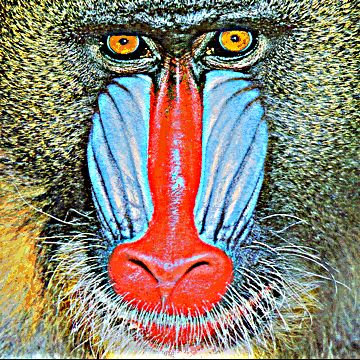
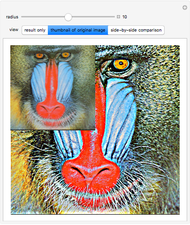
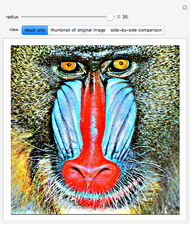
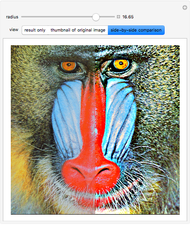
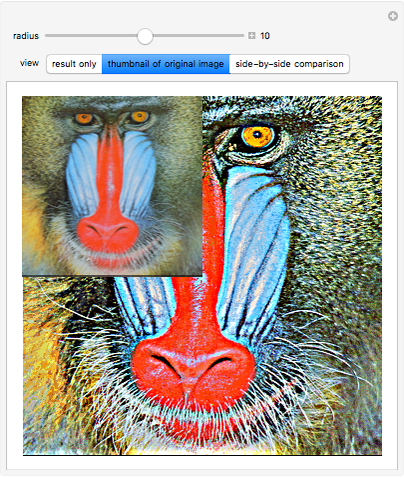
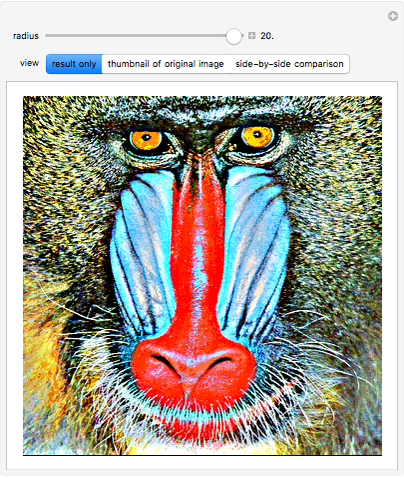
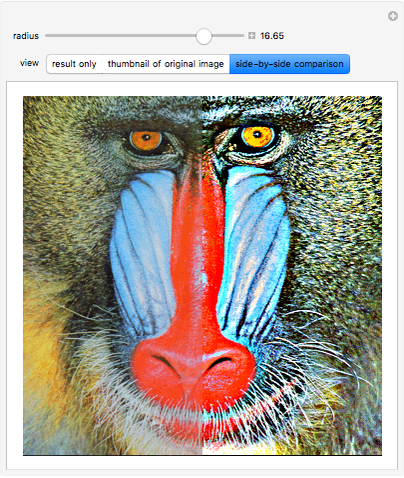
In this Demonstration, the image is sharpened using a high pass filter. The amount of sharpening increases with the pixel radius. Sharpening is often used as a post-processing technique to increase the quality of a blurred image.
Contributed by: Srivani Pinneli (March 2011)
Open content licensed under CC BY-NC-SA
Snapshots
Details
detailSectionParagraphPermanent Citation
"Image Sharpening"
http://demonstrations.wolfram.com/ImageSharpening/
Wolfram Demonstrations Project
Published: March 7 2011
 Image Padding
Srivani Pinneli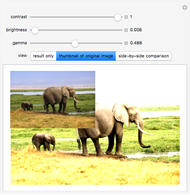 Image Quality Adjustment
Srivani Pinneli and Yu-Sung Chang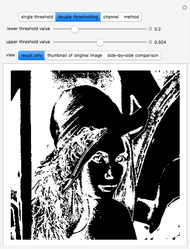 Convert an Image to Binary
Srivani Pinneli and Yu-Sung Chang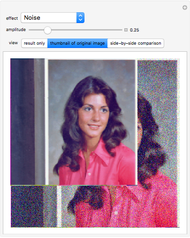 Adding Effects to Images
Srivani Pinneli and Yu-Sung Chang Virtual Image Scanning
Frederick Wu Straightening Up an Image
Yu-Sung Chang Geometric Mean Filtering for Blurring
Srivani Pinneli Filtering Using Common Value
Srivani Pinneli Morphological Processing
Srivani Pinneli and Yu-Sung Chang Image Blurring
Srivani Pinneli and Yu-Sung Chang
-
 Morphological Operations in Binary Images
Srivani Pinneli -
 Using Different Types of Filters
Srivani Pinneli -
 Gaussian Filtering for Blurring
Srivani Pinneli -
Adding Effects to Images
Srivani Pinneli -
Image Quality Adjustment
Srivani Pinneli -
 Using the Distance Transform
Srivani Pinneli -
Geometric Mean Filtering for Blurring
Srivani Pinneli -
Morphological Processing
Srivani Pinneli -
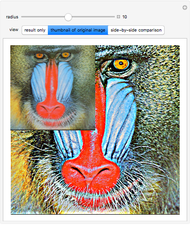 Image Sharpening
Srivani Pinneli -
Filtering Using Common Value
Srivani Pinneli -
Image Padding
Srivani Pinneli -
Image Blurring
Srivani Pinneli -
Convert an Image to Binary
Srivani Pinneli