
ImageAdjust Parameters



Requires a Wolfram Notebook System
Interact on desktop, mobile and cloud with the free Wolfram Player or other Wolfram Language products.
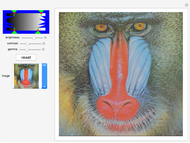
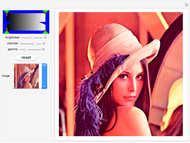
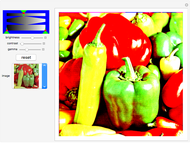
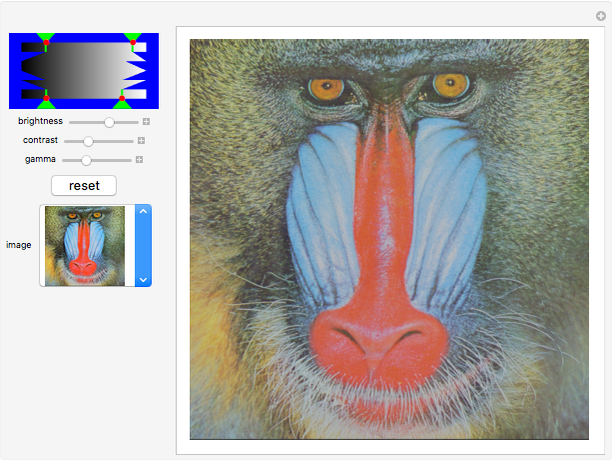
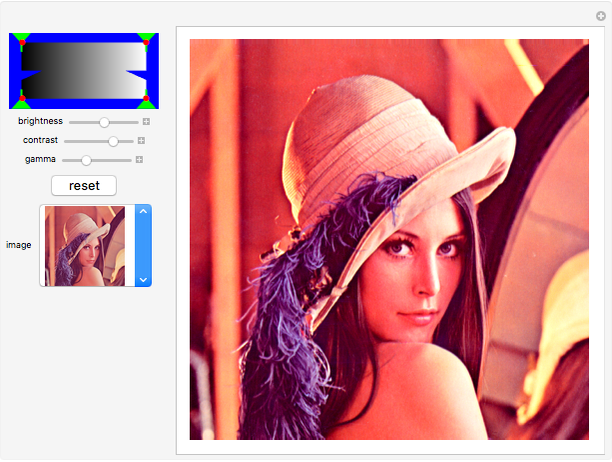
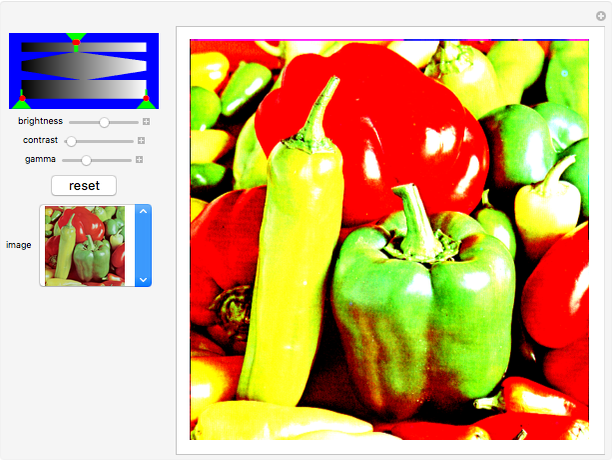
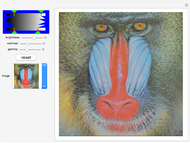
This Demonstration illustrates the range of operations possible with the ImageAdjust function. All its parameters are controllable through sliders, and a variety of sample images can be used as input.
Contributed by: Theodore Gray (April 2011)
Open content licensed under CC BY-NC-SA
Snapshots
Details
detailSectionParagraphPermanent Citation
"ImageAdjust Parameters"
http://demonstrations.wolfram.com/ImageAdjustParameters/
Wolfram Demonstrations Project
Published: April 22 2011
 Simple Contrast Adjustment
Theodore Gray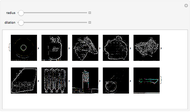 Edge Enhancement on Multiple Images
Theodore Gray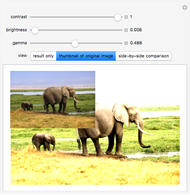 Image Quality Adjustment
Srivani Pinneli and Yu-Sung Chang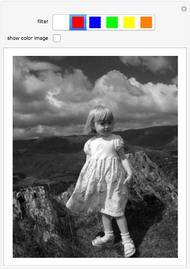 Color Filters in Black and White Photography
Jon McLoone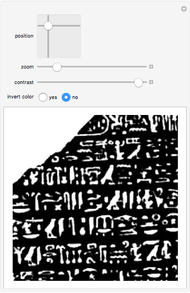 Inspecting the Rosetta Stone
Yu-Sung Chang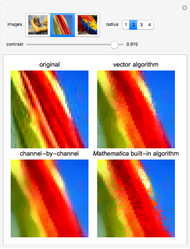 Vector Median Filter
Matthias Odisio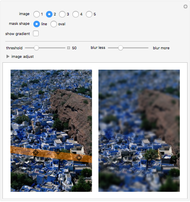 Digital Tilt-Shift Photography
Yu-Sung Chang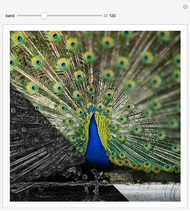 Processing Various Parts of an Image Differently
Matthias Odisio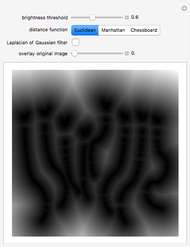 Finding Segments of an Image by Filtering Its Distance Transform
Shadi Ashnai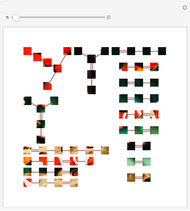 Grouping Images by Color
Theodore Gray
-
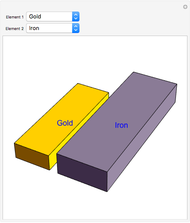 Element Density Comparisons
Theodore Gray -
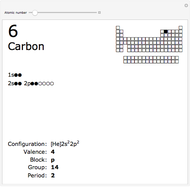 Electron Configuration Browser
Theodore Gray -
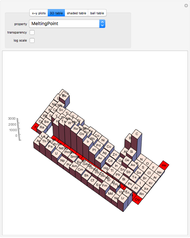 Properties of the Elements
Theodore Gray -
 Sports Seasons Based on Score Distributions
Theodore Gray -
 Quadtree Subdivision
Theodore Gray -
 Periodic Table in 3D
Theodore Gray -
 ImageAdjust Parameters
Theodore Gray -
Grouping Images by Color
Theodore Gray -
 Isotope Browser
Theodore Gray -
 2D Cellular Automaton Animations
Theodore Gray -
Edge Enhancement on Multiple Images
Theodore Gray -
Simple Contrast Adjustment
Theodore Gray -
 Jamie's Function
Theodore Gray -
 Stock Market Returns by Party
Theodore Gray -
 Bouncer
Theodore Gray -
 Spieker Center Triangle Construction
Theodore Gray -
 A Tessellation of the Sphere
Theodore Gray -
 Spinthariscope
Theodore Gray -
 Raster Bubble
Theodore Gray -
 Parallel Lines Optical Illusion
Theodore Gray