
Rearranging Color Channels in an Image


Requires a Wolfram Notebook System
Interact on desktop, mobile and cloud with the free Wolfram Player or other Wolfram Language products.
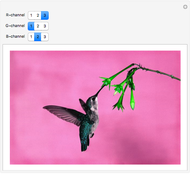
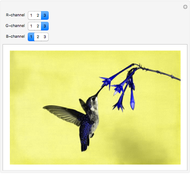
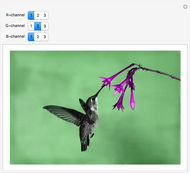
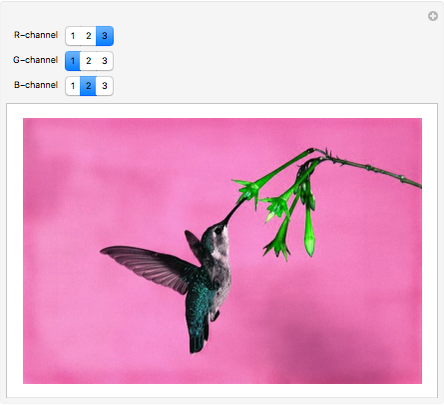
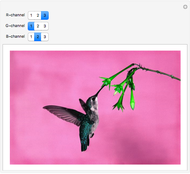
By changing the position of color channels in an image, you can get beautiful color effects. This Demonstration shows all the possible combinations of red-green-blue channels, combined to create a new RGB image.
Contributed by: Shadi Ashnai (March 2011)
Open content licensed under CC BY-NC-SA
Snapshots
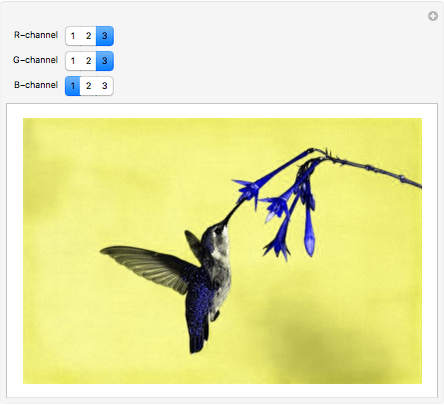
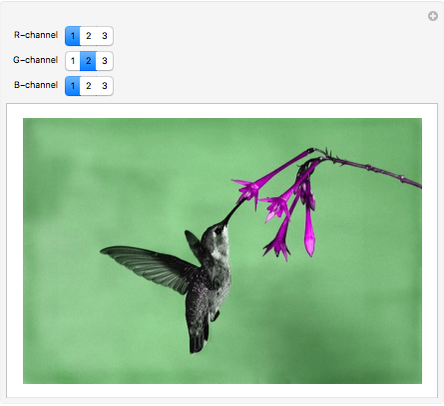
Details
detailSectionParagraphPermanent Citation
"Rearranging Color Channels in an Image"
http://demonstrations.wolfram.com/RearrangingColorChannelsInAnImage/
Wolfram Demonstrations Project
Published: March 7 2011
 Vector Median Filter
Matthias Odisio Playing with Image Channels
Riccardo Vincenzo Vincelli Adjusting RGB Color of Image
Frederick Wu Grouping Images by Color
Theodore Gray Applying a Coloring Function to an Image
Matthias Odisio Image Sharpening
Srivani Pinneli Virtual Image Scanning
Frederick Wu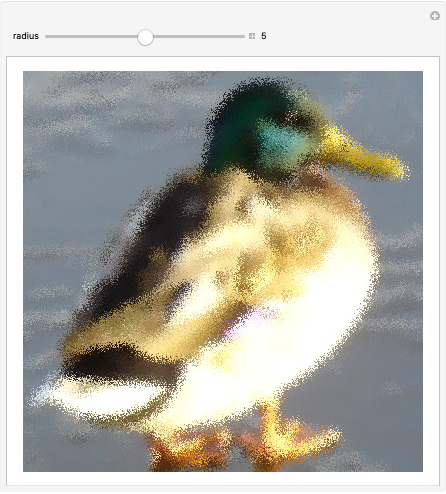 Image Jitter Filter
Shadi Ashnai Modifying Overall Image Brightness
Shadi Ashnai Segmenting a Medical Image
Shadi Ashnai
-
 Fluorescence Analysis Tool for Bio-Imaging
Shadi Ashnai -
Image Jitter Filter
Shadi Ashnai -
 Finding Segments of an Image by Filtering Its Distance Transform
Shadi Ashnai -
Segmenting a Medical Image
Shadi Ashnai -
Modifying Overall Image Brightness
Shadi Ashnai -
 Rearranging Color Channels in an Image
Shadi Ashnai